WoW Toolbox

Client 3.3.5a · WotLK

Edit the client.
Skip the hex editor.

Thirty-six editors, creators, and generators for World of Warcraft client modding — DBC parsing, live MySQL writes, 3D model and map previews, an in-app shop, and a realtime changelog.

$ toolbox dbc open Item.dbc

44 fields · 32,847 records · 3.3.5a

$ toolbox item new --template "epic sword"

entry 190042 free · display 64821 resolved

$ commit --preview

INSERT INTO item_template … 1 row staged

$

Fig. 01 WoW Toolbox · 36 tools
WoW Toolbox landing screen showing every tool category
Version
Size
Published
Platform
Win x64

Works with

One window for the whole pipeline. Client data, world database, models, and delivery used to be four programs and a hex editor. Every field is typed, every write is previewed, and nothing needs a restart. The toolchain you own.

Adding one item used to cost four tools and a restart. The IDs were grepped, the DBC was patched by hand, the SQL was written blind, and the display ID was a guess you only checked at the login screen.

Task / add a custom item to your realm manual error-prone handled

By hand

4 tools
  1. Find a free entry ID grep the DB
  2. Edit Item.dbc hex editor
  3. Write the SQL INSERT by hand
  4. Guess the display ID no preview
  5. Restart worldserver to test
  6. Repack the patch MPQ separate tool
4 tools · 1 restartno undo

WoW Toolbox

1 window
  1. Pick a template Item Creator
  2. Free entry ID resolved automatic
  3. SQL written and previewed before commit
  4. Display ID picked visually M2 Viewer
  5. Live MySQL write no restart
  6. Patch MPQ exported Asset Packer
1 window · no restartversion-pinned

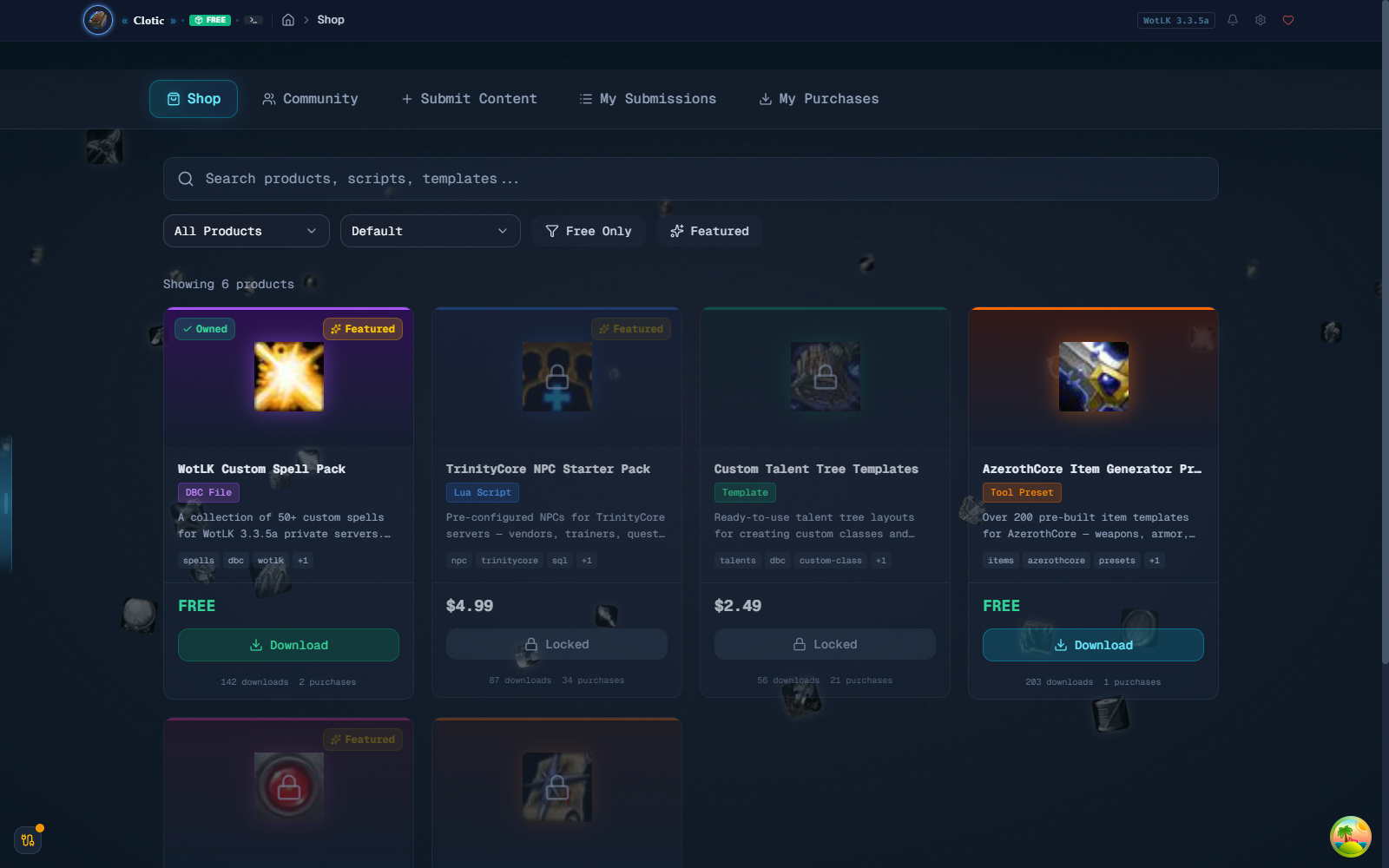
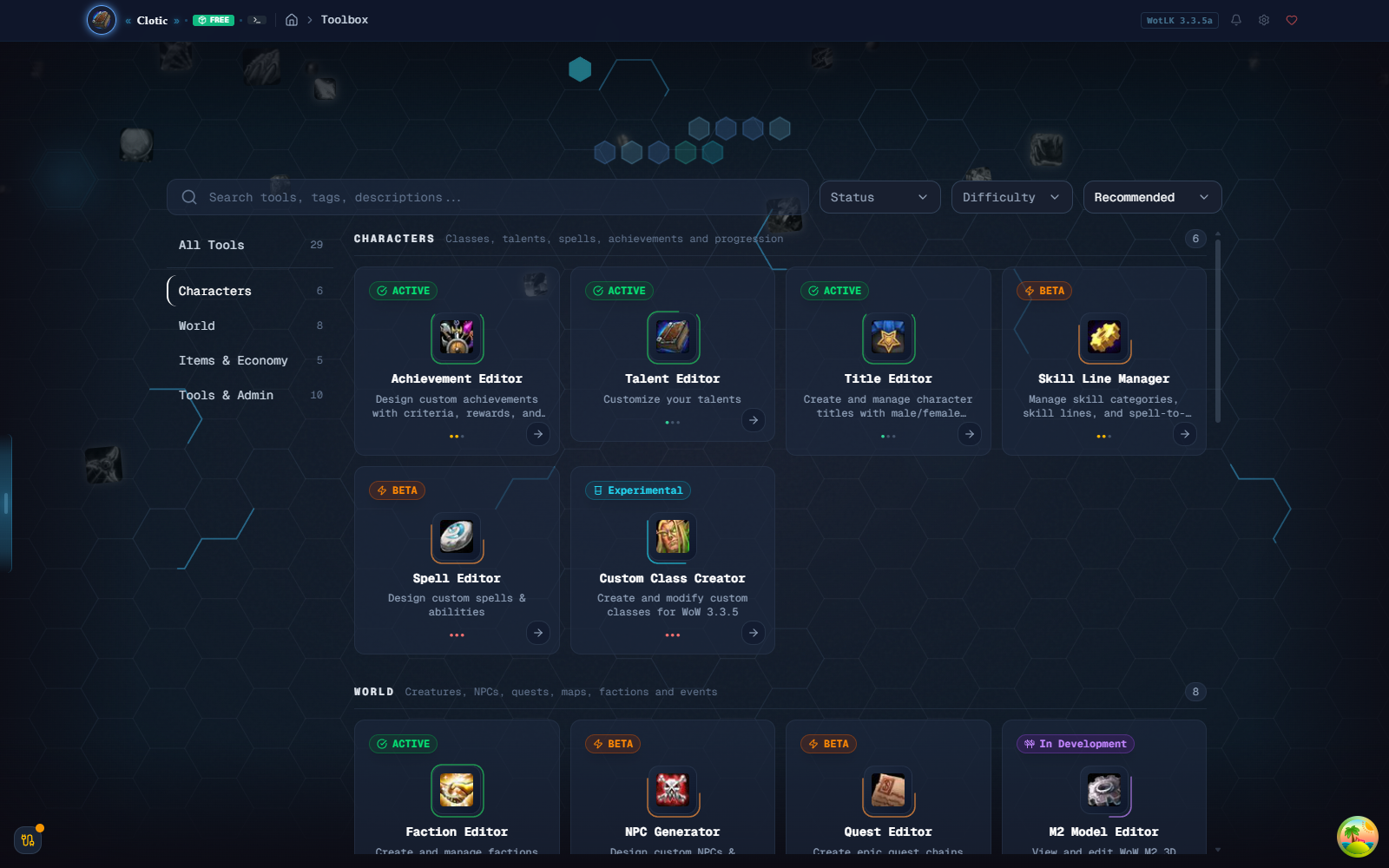
Thirty-six tools, one table of contents. Each tool is a sandboxed feature module. The landing screen is the index; nothing is more than two clicks from the cursor.

> select a tool for its one-line brief

What’s in the window. Seven screens out of thirty-six. Pin a tool to a release in the Changelog and the next launch pulls it automatically.

Editors and creators, by category.

Achievements, Talents, Titles, Spells, Quests, Factions, Creatures, Currencies — plus the Skill Line Manager, Custom Class Creator, Enchant & Affix Editor, and an M2 Viewer. Each tool is a sandboxed feature module; the landing is the table of contents.
  • DBC
  • MySQL
  • Sandboxed
  • 36 tools
Toolbox grid showing every tool category
Fig. 02 The hub

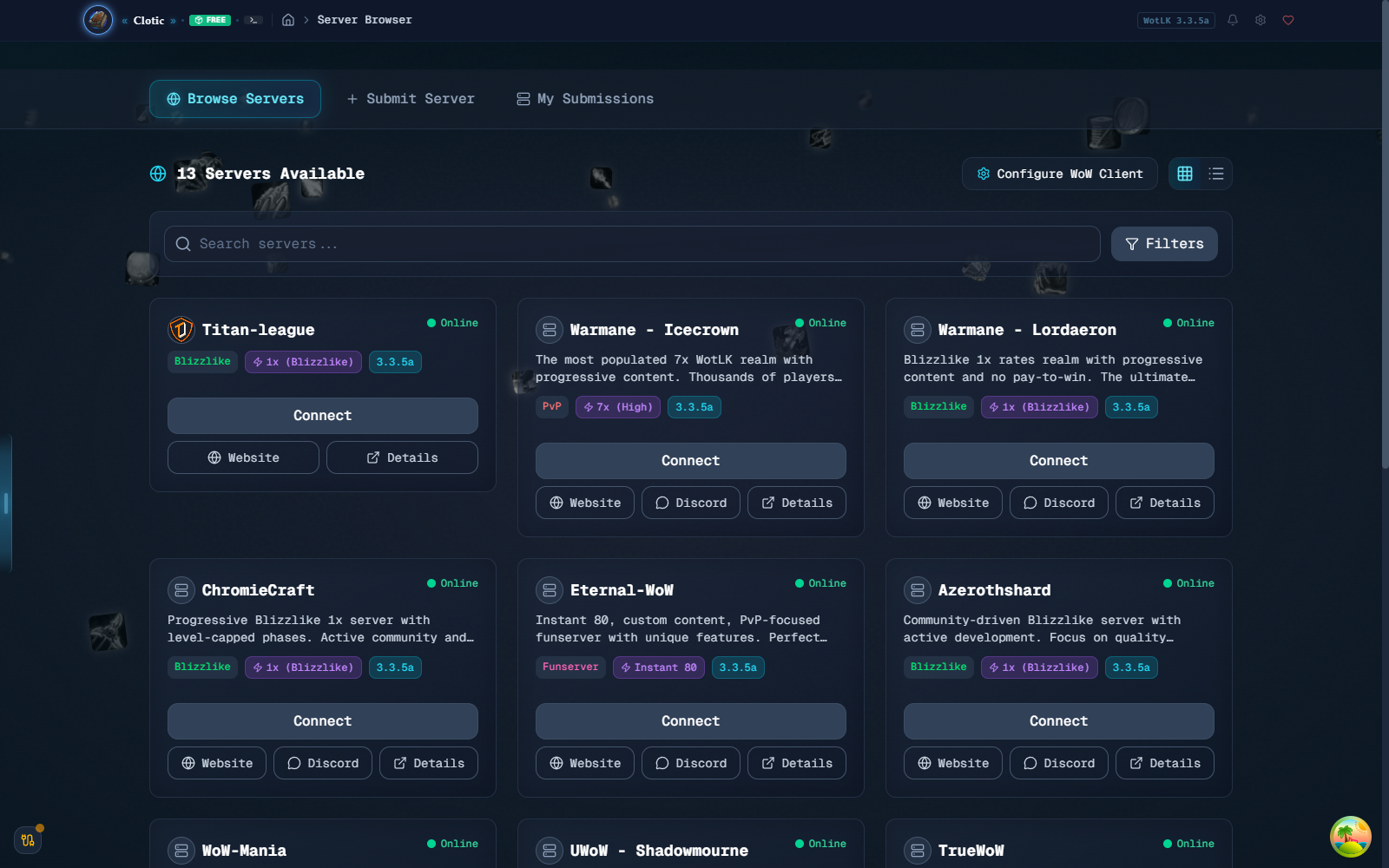
A server browser that edits realmlist.wtf so you don’t.

Discover, filter, and connect to private WoW realms. Pin favourites, see latency, and swap realmlists on connect. Server operators can submit their own listing with a tagline, a flag, and a Discord invite.

  • Realmlist
  • Latency
  • Submissions
Server browser listing private WotLK servers
Fig. 03 Realm browser

All 49,843 spells, one record at a time.

Spell.dbc streamed straight off your client — every effect, aura, cost and attribute on one page, with the icon and tooltip the game will actually print. Clone a rank, batch-edit a family, or export the whole file back out.

  • 230+ fields
  • Batch edit
  • Live preview
Spell Editor showing Fireball rank 11 with its effects
Fig. 04 Spell Editor

Talent trees you can see.

All three trees per class on one canvas, drawn from Talent.dbc and TalentTab.dbc. Move a talent, rewire a prerequisite, or start a whole new tree — the ranks, icons and arrows stay honest.

  • 10 classes
  • Pet trees
  • Undo/redo
Talent Editor showing the three Mage talent trees
Fig. 05 Talent Editor

Balanced items, generated to budget.

Pick a slot, an item level and a stat spread; the generator spends the budget the way the game does and shows you the tooltip before anything is written. Export as DBC, SQL, JSON, CSV — or straight into the world DB.

  • Stat budget
  • Batch ×250
  • TC / AC
Item Generator with a generated epic chestpiece preview
Fig. 06 Item Generator

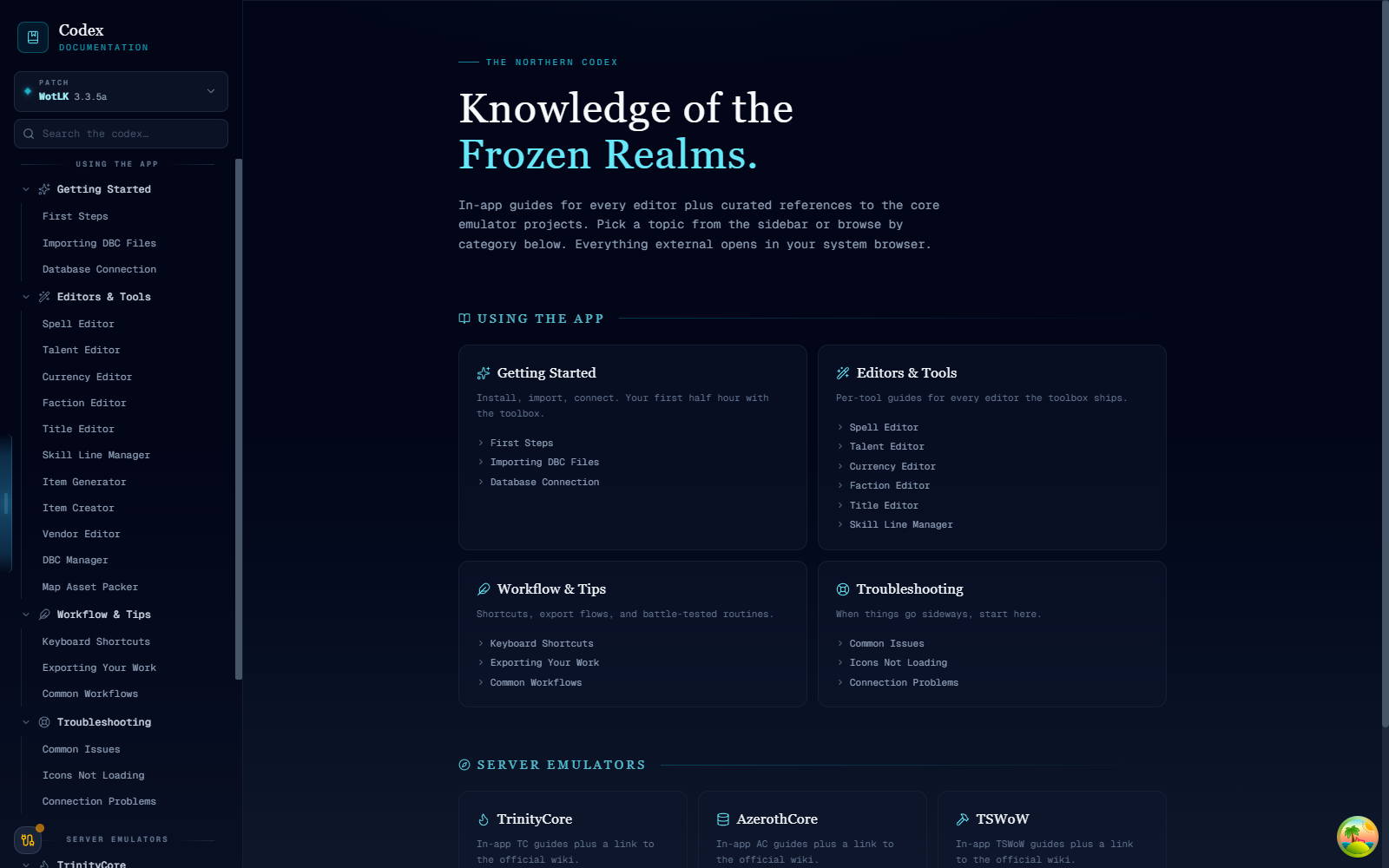
Documentation where you’re already looking.

Every editor documented in-app, cross-linked to emulator references. No tab-switching to a wiki — the docs live next to the fields they describe, and search is offline-first.

  • Offline
  • Cross-linked
  • Searchable
Codex documentation screen
Fig. 07 The Codex

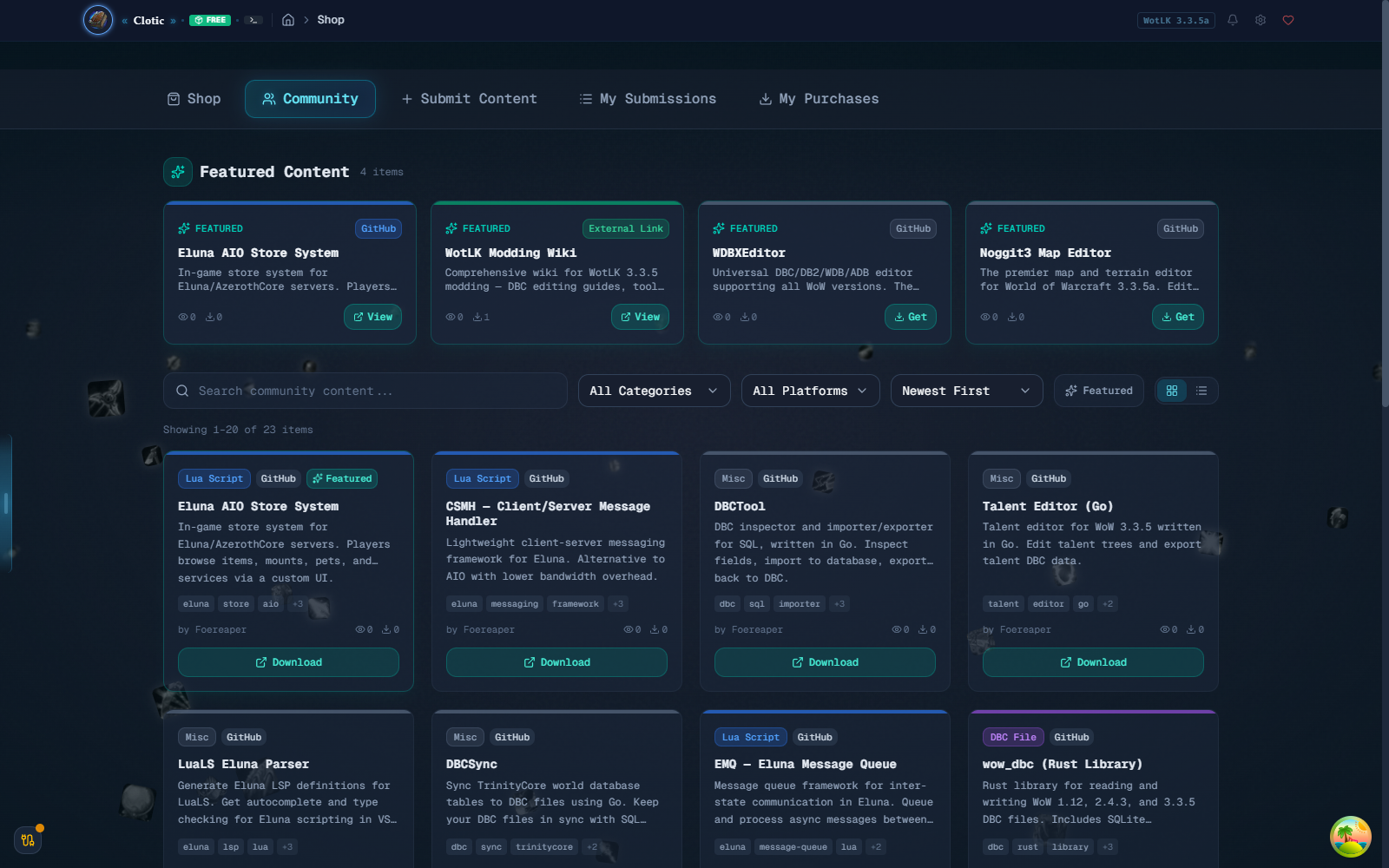
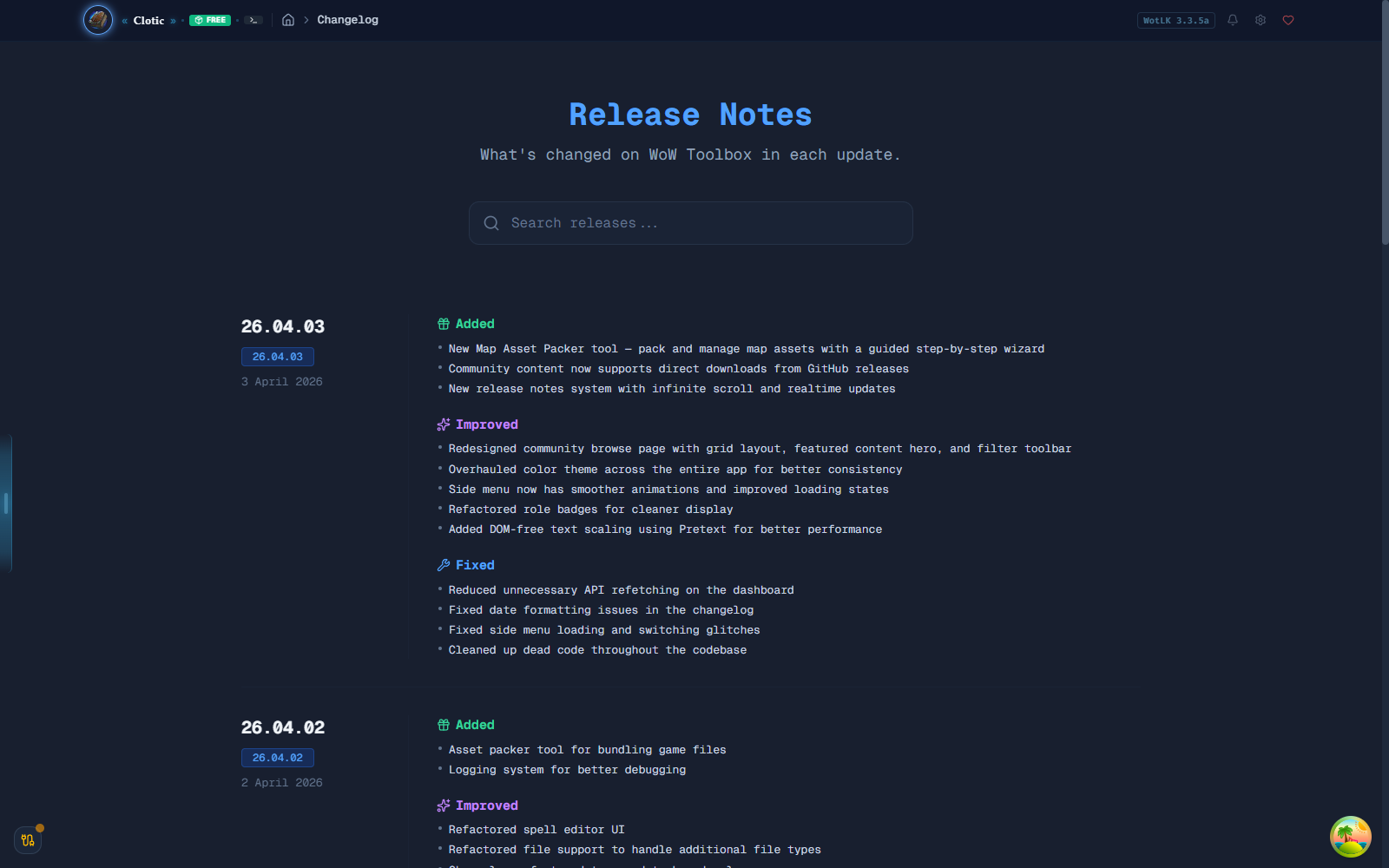
A changelog that pages itself.

Searchable timeline of what shipped, broke, and got fixed — with realtime updates over Supabase. When a new build lands, the client knows; when you pin a tool to a version, it stays pinned.

  • Realtime
  • Version-pinned
  • Timestamped
Changelog timeline
Fig. 08 Changelog

Built for the shape of this data. DBCs are fixed-width binary, world databases are relational, and models are geometry. Nothing here is a spreadsheet macro.

WoW Toolbox Checking…
View releases github.com/Isidorsson/wow-toolbox

Pulling release metadata from GitHub…